
Created a character you love for your next tabletop campaign? Don’t leave that artwork in a folder. Your hero, villain, mascot, or adventuring companion can become the face of your stream, videos, and Discord community.
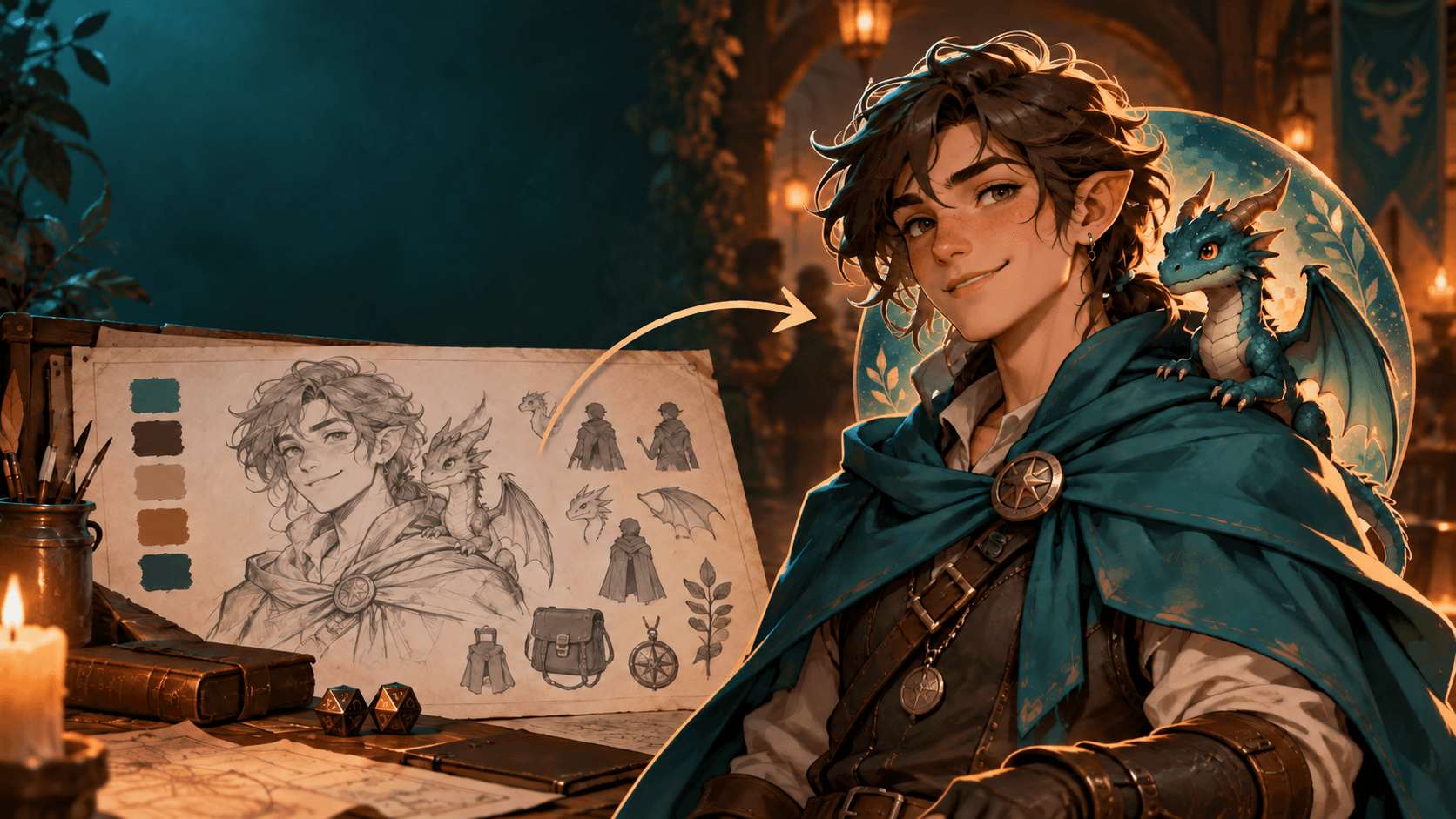
Turn Your RPG Character Into a PNGTuber Avatar
A great character design already does the hardest part: it gives viewers someone memorable to meet. If you made original character art with the GM Craft Tavern Character Art Generator—or drew or commissioned a character yourself—you can carry that identity into a streaming avatar with the free Free PNGTuber Maker.
This is a practical path from tabletop character concept to a reactive PNGTuber for Twitch, YouTube, Discord, or your next actual-play project. It works best with artwork you own and an original character you are ready to make your own.
Why turn a character into a PNGTuber?
- Keep one recognizable identity. Your campaign hero, tavern mascot, or channel host becomes a familiar face across your content.
- Start streaming without a webcam. A PNGTuber reacts while you speak using transparent image states.
- Build around art you already love. Begin from an original character instead of inventing a new avatar from scratch.
- Make room for expression. A wave, a victory pose, a worried blink, or a delighted grin can make the same character feel alive on screen.
Step 1: Create or choose your original character art
Start with a clean image of a character you own. You might already have a commission, a sketch, or an original portrait. If you are still developing the idea, use the Character Art Generator to explore an original adventurer, NPC, familiar, or fantasy persona.
For a strong avatar base, choose an image where the face and upper body are easy to read. A plain or transparent background is ideal. Clear lighting, a readable silhouette, and one consistent outfit give later emotions a much better reference.
Quick character prompt idea: “Original cheerful tiefling storyteller, half-body portrait, teal travel cloak, warm lantern light, expressive face, clean simple background.”
Step 2: Turn the concept into a PNGTuber identity
Open the Free PNGTuber Maker and describe the character you created: their species, silhouette, outfit, palette, personality, and style. The tool creates several identity masters for you to compare, so choose the version that best carries the concept from your original character art.
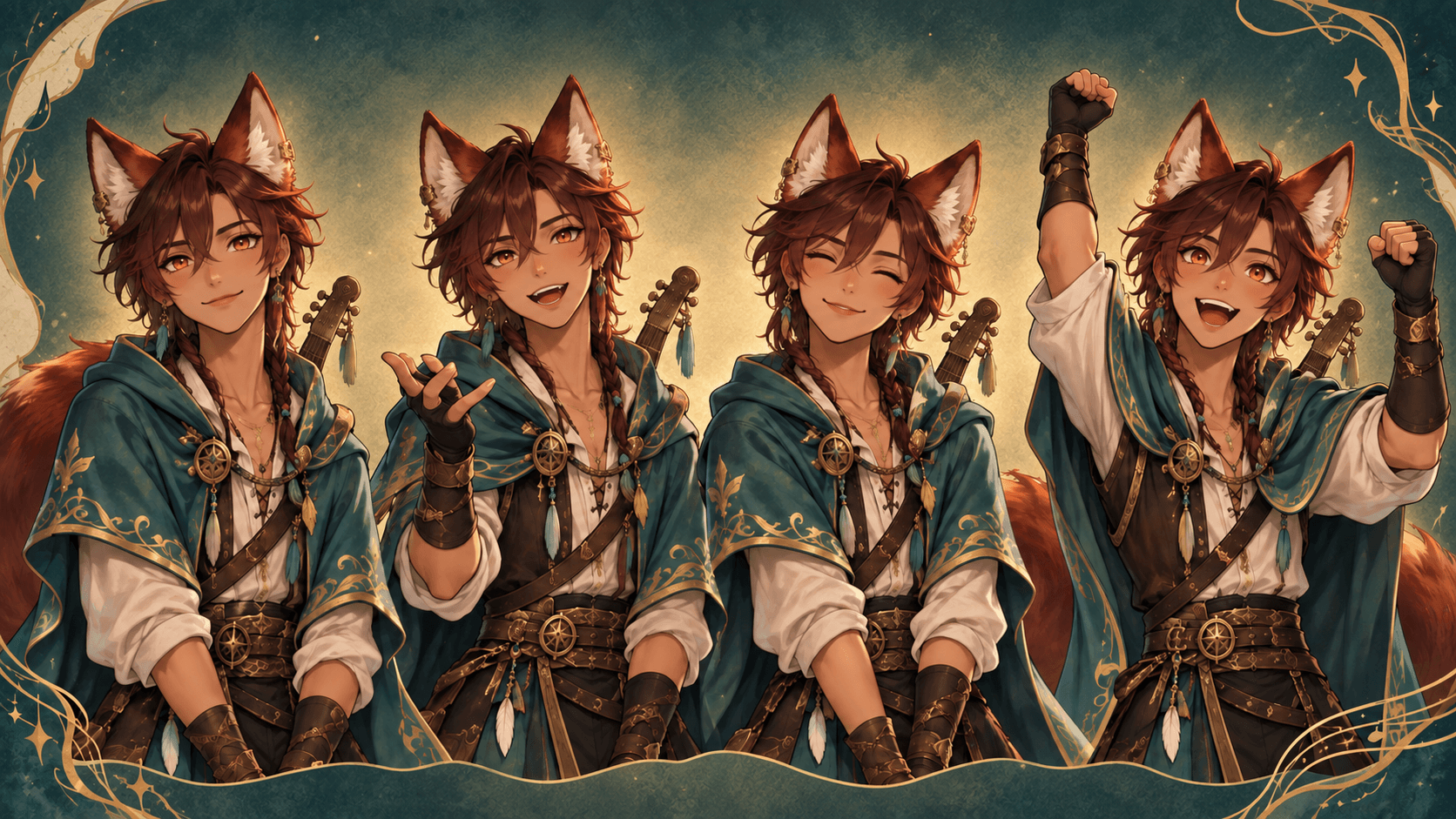
This is the useful bridge: design the character once, then let the avatar workflow focus on expressions. Once you have selected an identity master, each new reaction starts from that stable visual direction instead of reinventing the character.
Step 3: Make expressions that fit your stream
Choose one emotion or pose at a time. Start with the expression you will use most—friendly, focused, relaxed, or excited—then add a few moments that match your content. For a tabletop channel, a thoughtful “rules check” face, a triumphant dice-roll reaction, or an ominous narrator pose can all feel at home.
- Welcome: friendly wave, warm smile, open hand.
- Gameplay: focused look, speaking gesture, attentive posture.
- Big moment: victory pose, delighted surprise, raised fist.
- Table drama: suspicious glance, worried look, theatrical gasp.
The Free PNGTuber Maker creates four transparent states for each emotion: idle, speaking, blinking, and speaking while blinking. Review each result before you use it publicly; a clear character description and a simple emotion prompt will usually give you the clearest set.
Step 4: Download a Veadotube Mini-ready avatar pack
When you have created the expressions you want, download the images separately or export the ready-to-import .veadomini pack. That package is designed for Veadotube Mini, a simple way to make a PNG avatar react to your voice.
New to the format? FreePNGTuber also explains what a PNGTuber is, compares PNGTuber software, and has guides for setting up Veadotube Mini and OBS.
A simple creator workflow: character first, avatar second
The best part of this workflow is that it keeps the creative jobs separate. Use character art to establish the story: species, costume, palette, personality, and silhouette. Then use a PNGTuber maker to turn that finished identity into an expressive, stream-ready avatar.
Whether your channel is about tabletop RPGs, art, games, cozy chats, or storytelling, an original character gives it a visual anchor. Make the character yours. Make the reactions yours. Then let that avatar say hello when you go live.
Ready to bring your character on stream?
Start with an original character concept at the Tavern, then use its defining details in FreePNGTuber to create a reactive avatar.
FAQ: RPG character art and PNGTubers
Can I turn a character concept from the GM Craft Tavern tool into a PNGTuber?
Yes—use your original character’s defining details as the starting point for a new PNGTuber identity. Review the maker’s acceptable-use rules and avoid third-party copyrighted characters, logos, or protected designs.
What kind of image works best for a PNGTuber avatar?
A clear portrait or half-body image with a readable face, consistent clothing, and a plain or transparent background gives the best starting point.
Do I need a webcam to use a PNGTuber?
No. A PNGTuber uses transparent image states that switch as you speak or blink. It is a useful webcam-free option for streaming and video creation.