Free Token Maker for DnD & VTT
Create DnD and VTT tokens with Tavern Token Maker. Choose from 500+ borders or import your own, then export PNG/WebP or animated WebM/GIF.
NEW! Square & Portrait Borders Available!
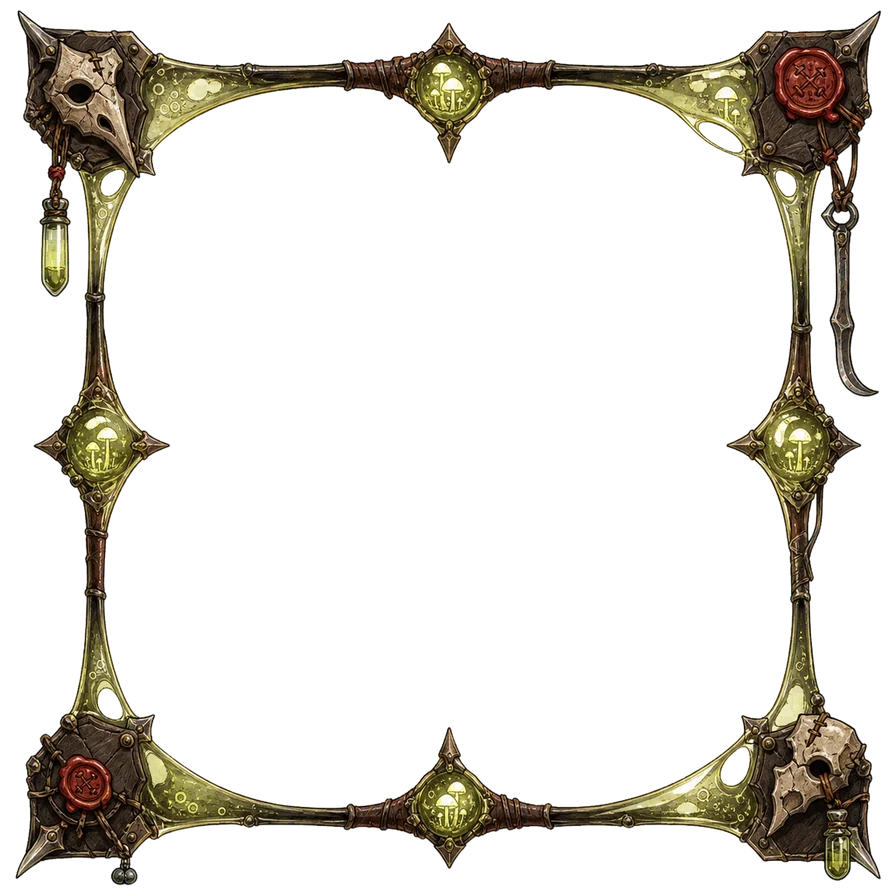
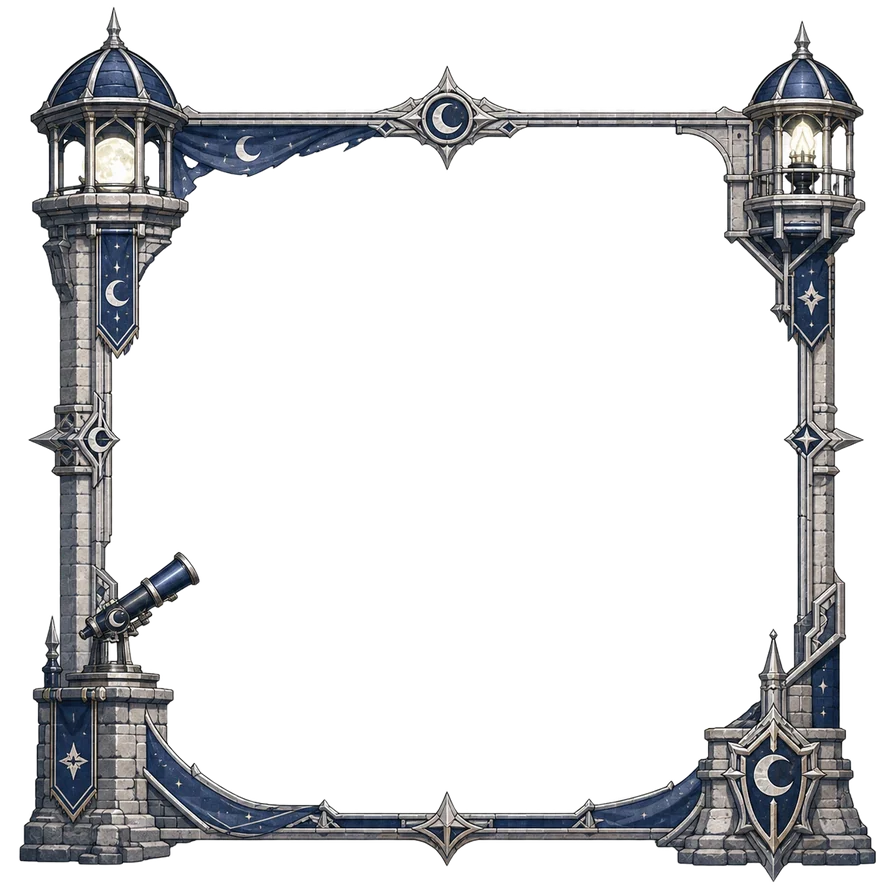
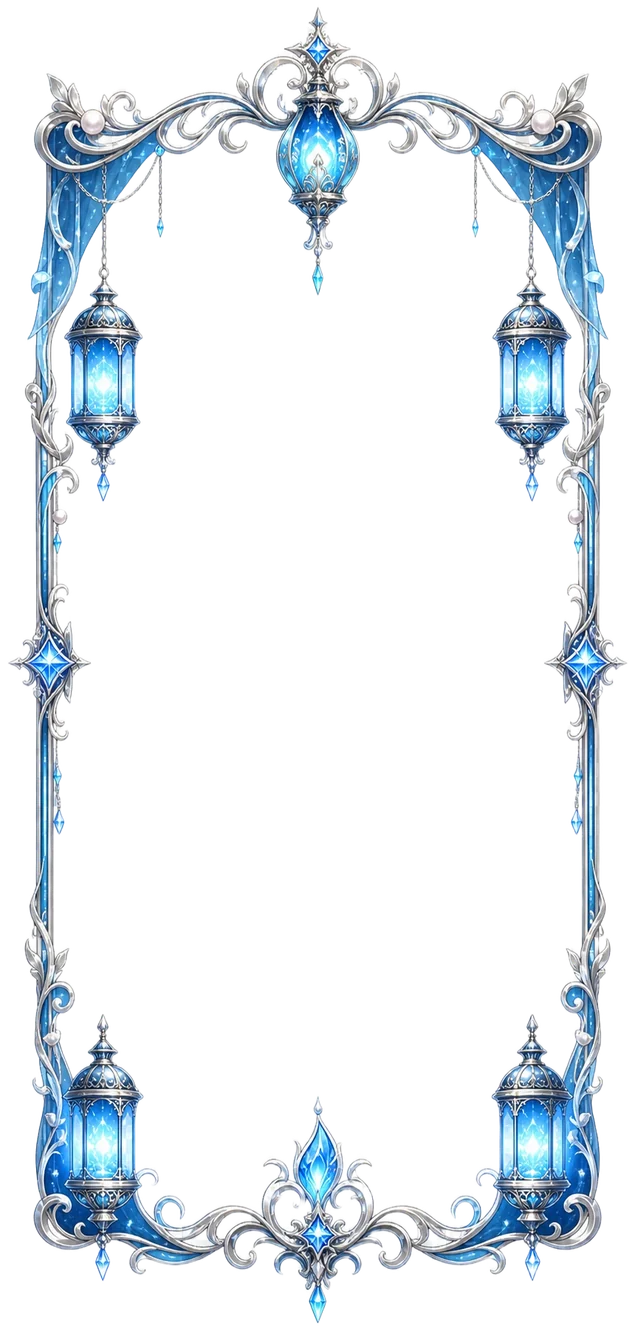
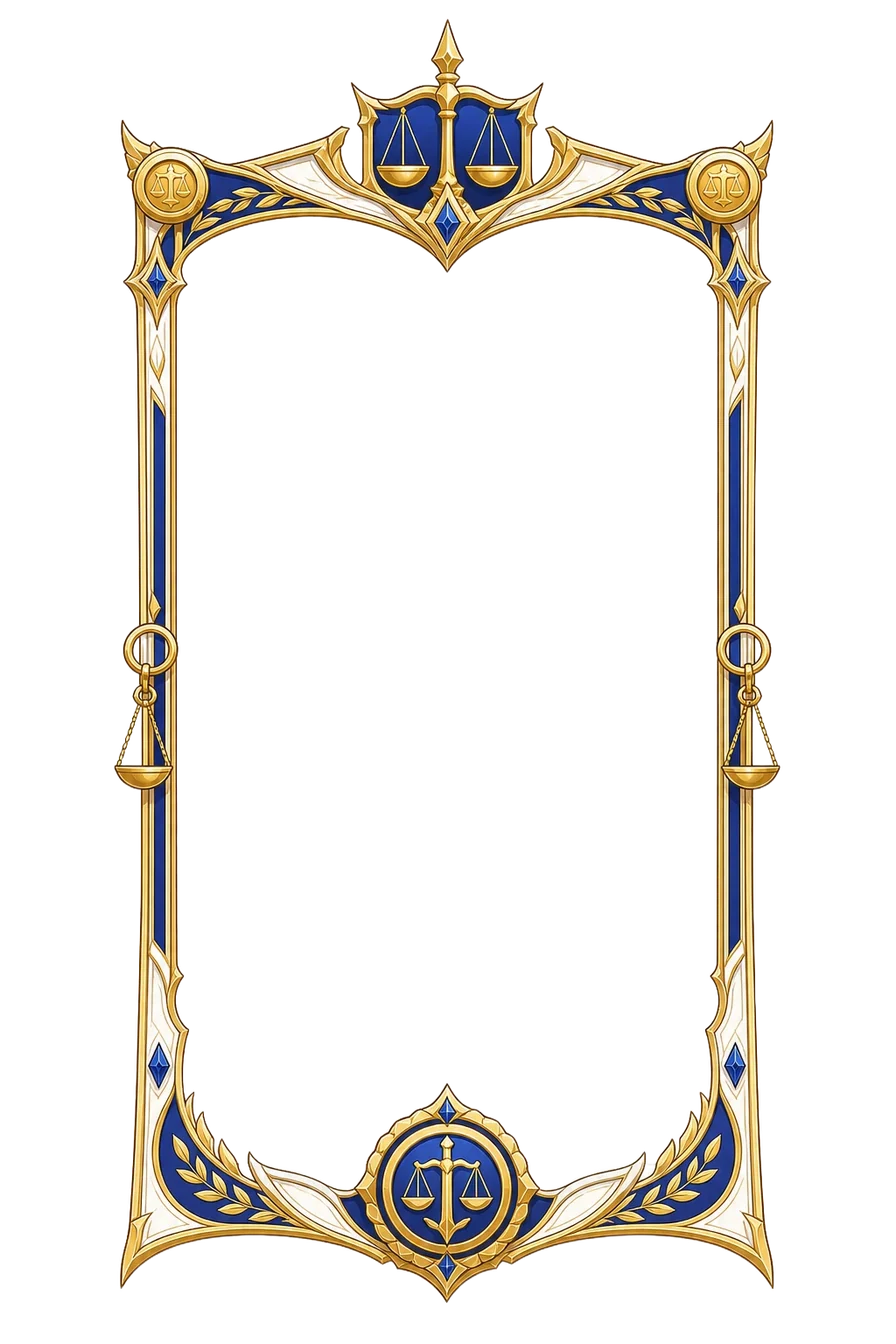
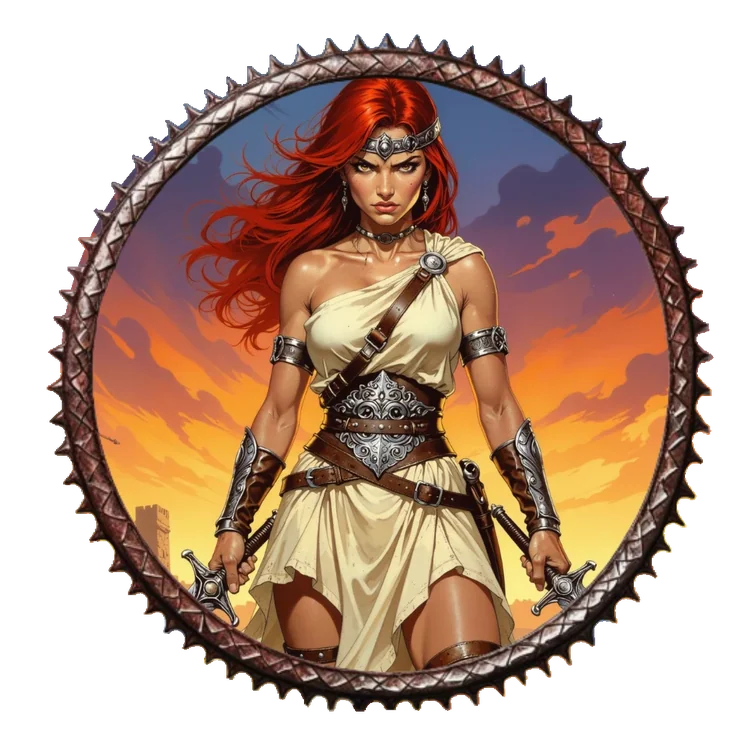
Example token from the Tavern
How to make a character token
A familiar token-stamp workflow, with more room to make it your own.
Import your portrait
Choose a PNG, JPG or WebP image. A close-up character portrait is a good place to start.
Find the right frame
Select a Tavern border or import your own. Move and resize the portrait and border to get the framing you want.
Compose & download
Choose your output size and PNG or WebP format, then download your token and add it to your VTT.
Create animated tokens
with moving borders.
Pair your portrait with an animated border, or frame a short MP4 or WebM clip. Export a WebM or GIF token for a compatible virtual tabletop.
In this example, the witch portrait is still and the finger border moves. The editor combines your artwork and animation; it does not generate motion for a still character.
Create an animated token ↑Animate the portrait.
Keep the frame still.
The blue magic moves inside this token while the decorative border stays fixed. This is the other way to make an animated token: start with a portrait that already moves.
- Import a short MP4 or WebM portrait. The motion comes from your clip, not from the editor.
- Choose a still border. Pick a non-animated frame from the library or import your own transparent PNG.
- Adjust, then export. Position the portrait and frame independently. Choose WebM or GIF for a compatible VTT, and keep a still PNG as a fallback.
Demo playback is separate from video export. Animated exports use the shared video-processing service.
Frame an animated portrait ↑Token images for Roll20 & Foundry VTT
Use your tokens in Roll20, Foundry VTT and other compatible tabletops. Choose an image format for broad compatibility, or check your VTT’s requirements before uploading animation.
Read the token creation & formats guide ↗- Still images
- PNG · WebP
- Animated exports
- WebM · GIF
- Image sizes
- 512 · 768 · 1024 · 2048 px
- Custom borders
- Import your own transparent frame
Beyond round: square and rectangular tokens
Browse the new Squares and Portrait border collections, or import your own transparent square, vertical or horizontal frame. The editor detects the frame’s shape automatically and keeps its proportions for still images and animated tokens.
Token Maker questions, answered
Is this token maker free?
Yes. The editor is free to use and does not require an account. Optional border bundles are sold separately.
Can I use these tokens for Dungeons & Dragons games?
Yes. Tavern Token Maker creates system-neutral image tokens you can use to represent characters and creatures in Dungeons & Dragons and other tabletop RPGs, including games played on Roll20 or Foundry VTT. Compatibility refers to using exported image files, not rules automation or an official D&D Beyond integration. This is an independent tool, not affiliated with, endorsed by, or sponsored by Wizards of the Coast.
Can I use my own portrait and border?
Yes. Import a PNG, JPG or WebP portrait and choose a Tavern border, or import your own transparent border. Adjust the portrait and border independently.
Which sizes and formats can I export?
For still images, choose PNG or WebP at 512, 768, 1024 or 2048 pixels. For video inputs, the editor also offers WebM and GIF outputs, plus a still PNG.
Can I make animated tokens?
Yes. Combine a still portrait with an animated border, or import a short MP4 or WebM clip and frame it. The editor uses existing animation; it does not generate motion for a still character.
Can I use the tokens in Roll20 or Foundry VTT?
You can use exported image tokens in Roll20 and Foundry VTT. For animation, choose a format supported by your VTT and check its current upload limits. Keep a static PNG or WebP as a fallback.
Is this the official Token Stamp 2?
No. Tavern Token Maker is an independent alternative with a familiar portrait-and-border workflow. It is not affiliated with RollAdvantage or Token Stamp 2.
Do I need to install anything?
No installation is needed. Open the editor in your browser, import your artwork and download your token. Use images and borders you have permission to use.
Ready-made token packs
Independent tool & compatibility
Dungeons & Dragons and D&D are trademarks of Wizards of the Coast LLC. The GM Craft Tavern is not affiliated with, endorsed by, or sponsored by Wizards of the Coast.
Game and platform names describe intended use and file compatibility only. This tool creates image tokens for tabletop games; it is not an official D&D Beyond integration. We are also independent of RollAdvantage, Roll20 and Foundry VTT. Other product names belong to their respective owners.
Our Marketplace is growing — feel free to explore it.
A fresh twist for the table
Turn a critical roll into a memorable story beat
Shape a natural 1 into a playable complication—or give a brilliant 20 an unexpected opportunity, tailored to the scene.