TTRPG news · Source announcement: 2026-09-29
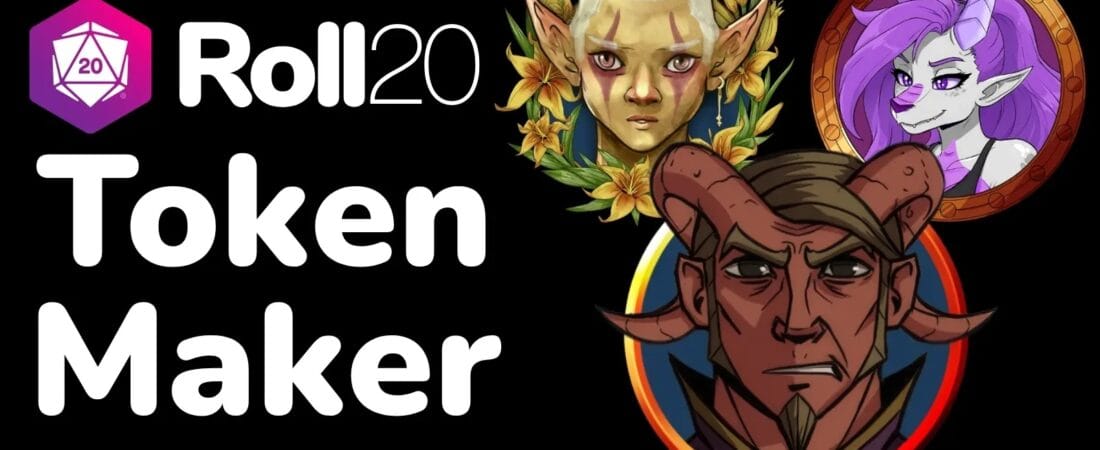
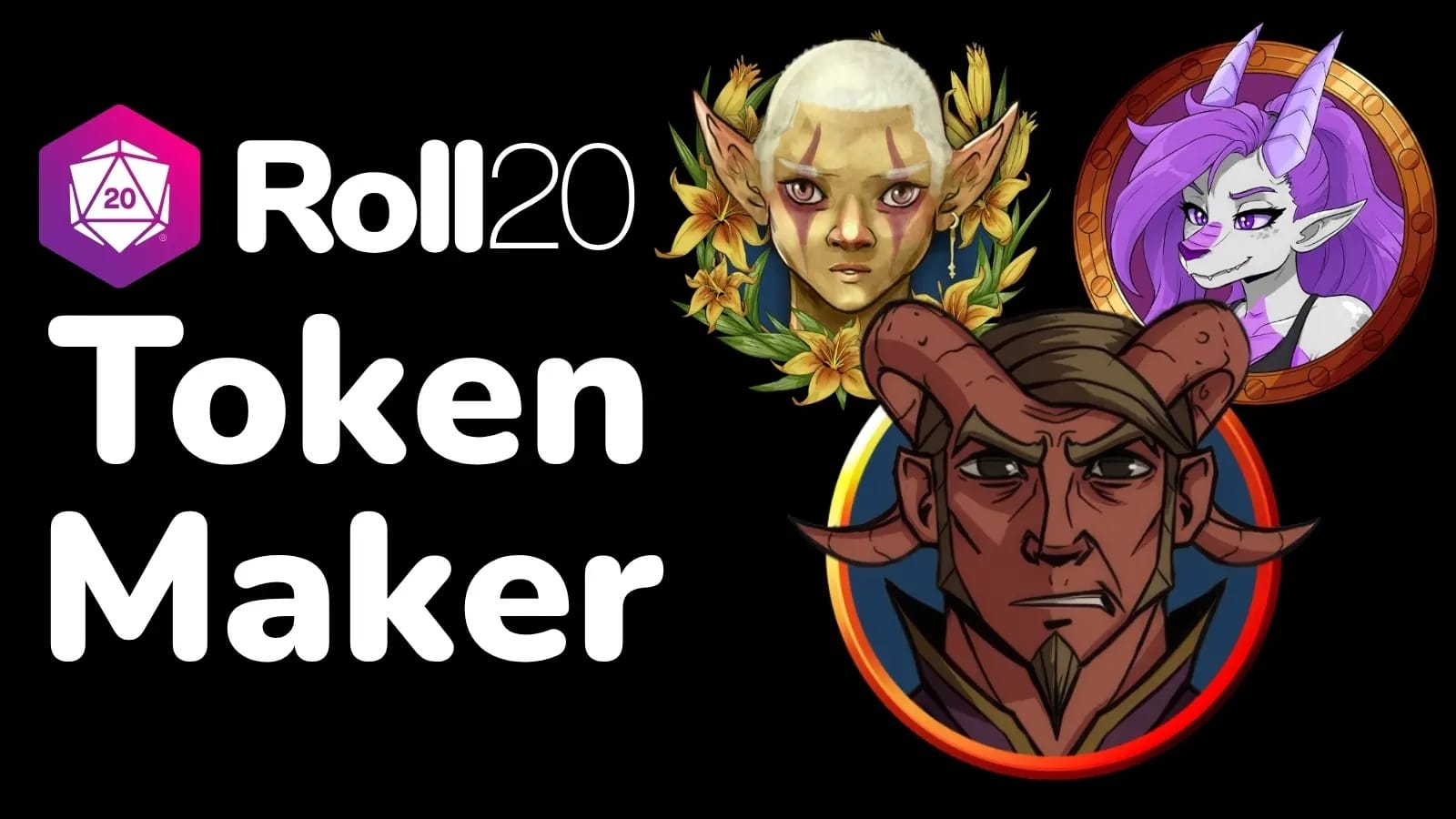
Roll20 has launched the Roll20 Token Maker, a free tool for building character tokens from a library of artist-created art or images users upload themselves. The builder offers portrait framing, pop-out elements and effects, plus resizing and export—including animated WebM. Announced on September 29, 2026, it is available through Roll20’s navigation under Tools. For existing Roll20 users, the key distinction is that the tool helps prepare token artwork; the announcement does not say that using artwork in the maker grants permission to republish it elsewhere.
What Roll20 announced
Roll20 announced the Token Maker on September 29, 2026. The company presents it as a fast, free token-building tool, separate from the usual experience of handling artwork within the virtual tabletop.
The announcement says users can find it in Roll20’s navigation under Tools. That gives existing users a direct place to look, while the post does not describe account requirements or whether the tool works outside Roll20.
Build from supplied art or your own image
The maker comes with a library of art from Roll20 Marketplace creators and also accepts user-uploaded art. Roll20 describes a workflow built around choosing a base portrait, adding a frame and optional pop-out or effects, resizing, and exporting.
This makes the tool relevant both to players preparing character portraits and to GMs who want token images for a session. That is an editorial use-case assessment, not a claim that Roll20 has announced dedicated GM features.
- Choose a portrait from the built-in library or upload an image.
- Add a frame, pop-out treatment, or effects, then resize and export.
- The post specifically mentions support for WebM animations.
What existing users should keep in mind
Roll20 says the default library draws on work by Marketplace creators and encourages users to support those artists. The announcement does not spell out licensing terms for each artwork, nor does it say that access through the Token Maker permits users to repost, sell, or otherwise redistribute the source art.
Practical advice: use artwork according to its applicable license and the creator or marketplace terms. If you upload art you did not make, check that you have the rights needed for your intended use. This is general advice, not a statement of Roll20’s specific terms.
What the announcement leaves open
The post does not list supported image dimensions, export settings beyond WebM animation support, or compatibility details for other virtual tabletops. It also does not describe pricing for Marketplace artwork; it only notes that users can purchase art through the Roll20 Marketplace or other sources and upload it.
For now, treat the announcement as a feature overview rather than a complete technical or licensing guide. If you need a particular file type or intend to use a token outside Roll20, check the tool’s current options and the artwork’s terms before building your workflow around it.
Sources and image credits
Original reporting based on the publisher’s announcement; this is not a hands-on review. Product plans and crowdfunding estimates may change.
Publisher-supplied visuals shown to illustrate this announcement. Copyright belongs to the respective rights holders; credits appear beside each image. GMCraft Tavern is independent of the publishers covered.