
Token Borders · Steampunk
Clockwork Empire — 28 Steampunk Token Borders
28 free transparent steampunk token borders in WebP format. Frame character portraits with distinct clockwork and metal designs.
Pack contents
28 Items Included in Clockwork Empire Borders

Border 01

Border 02

Border 03

Border 04

Border 05

Border 06

Border 07

Border 08

Border 09

Border 10

Border 11

Border 12

Border 13

Border 14

Border 15

Border 16

Border 17

Border 18

Border 19

Border 20

Border 21

Border 22

Border 23

Border 24

Border 25

Border 26

Border 27

Border 28
28 steampunk frames for character portraits
Give a character portrait a clockwork-era frame with 28 distinct borders in pale steel, gunmetal and warm brass. The designs use open centers so the portrait remains the focus.
Transparent WebP overlays, not a VTT module
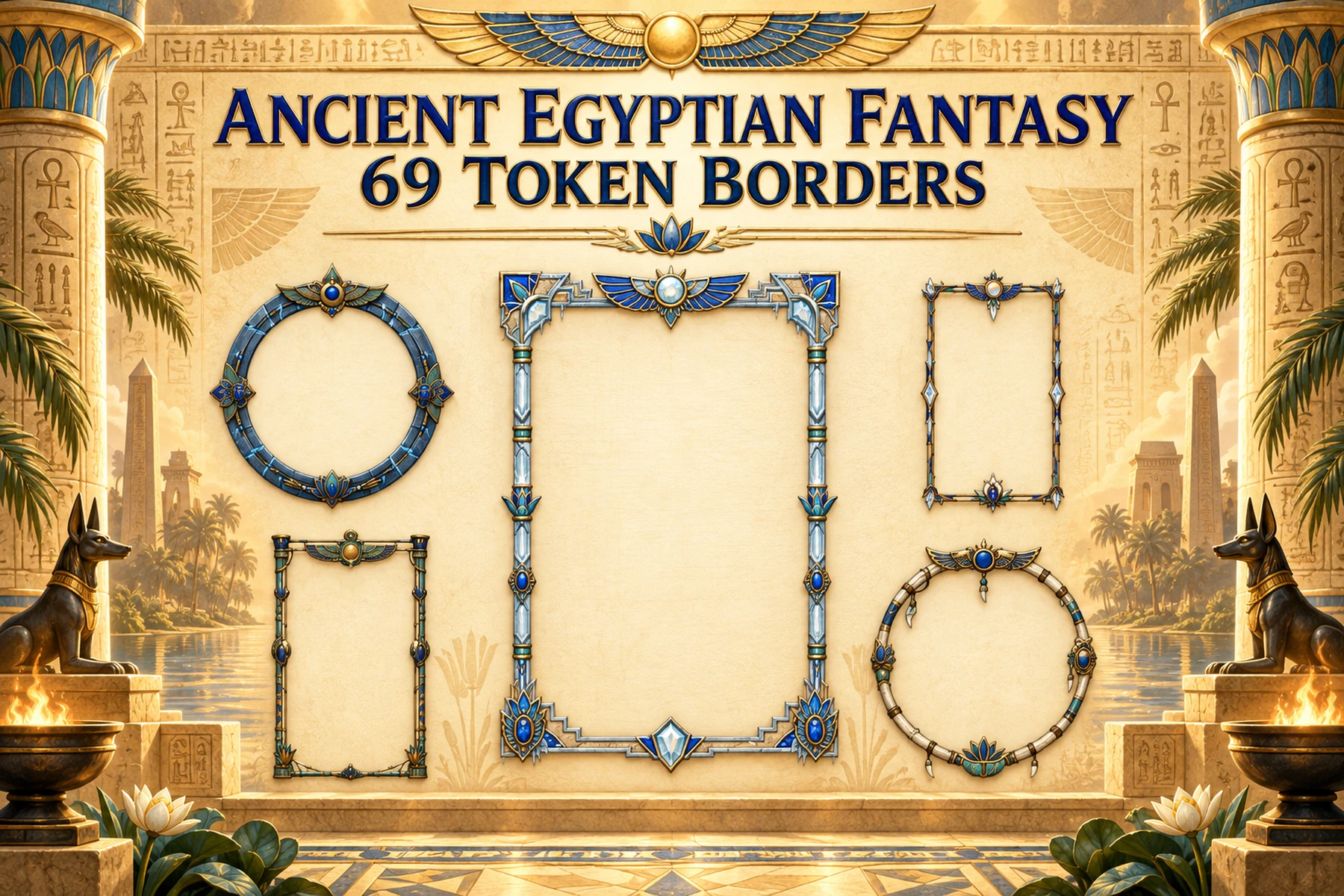
Each included file is a 1024 × 1024 transparent WebP overlay. The illustrated cover and watermarked previews are promotional images only; they are not included in the customer archive.
Make a portrait token with free tools
Create a portrait with Character Art Generator, combine it with a border in Token Maker, or convert a WebP file to PNG with Image Converter.
Included files and license
Download 28 individually numbered transparent WebP border images, a short README and the license. Commercial use is allowed in final streams, broadcasts, videos, published gameplay and client games; redistribution of the asset files themselves is prohibited.
Ideas for your adventure
What can a DM do with this bundle?
- Use different metal finishes to distinguish rival clockwork guilds or factions.
- Give recurring inventors, crew members and NPCs a consistent visual frame.
- Choose a border style to mark important allies, rivals or recurring characters.
Ready for your VTT
Standard WebP images are compatible as image assets with Roll20, Foundry VTT, Fantasy Grounds and major VTT/RPG software.
Smaller files, strong visual quality
WebP keeps excellent visual quality while reducing storage and VTT upload weight. Need PNG? Use our free Image Converter.
Transparent and easy to place
The token files keep their transparent backgrounds for direct placement over your own maps. They are standard image assets, not a platform-specific module.
Questions & answers
About this token borders pack
How many token borders are included?
28 distinct transparent 1024 × 1024 WebP token borders.
Can I use my own portrait?
Yes. The centers are transparent and designed for placing your character portrait underneath.
Can I convert WebP to PNG?
Yes. Use the free GMCraft Tavern Image Converter.
Can I use these assets commercially?
Commercial use is permitted in your own streams, broadcasts, videos, published gameplay and client games. Resale, redistribution, sharing, sublicensing or repackaging of the asset files themselves is strictly prohibited.
AI was used during parts of the creative process.