Virtual tabletops · Project spotlight
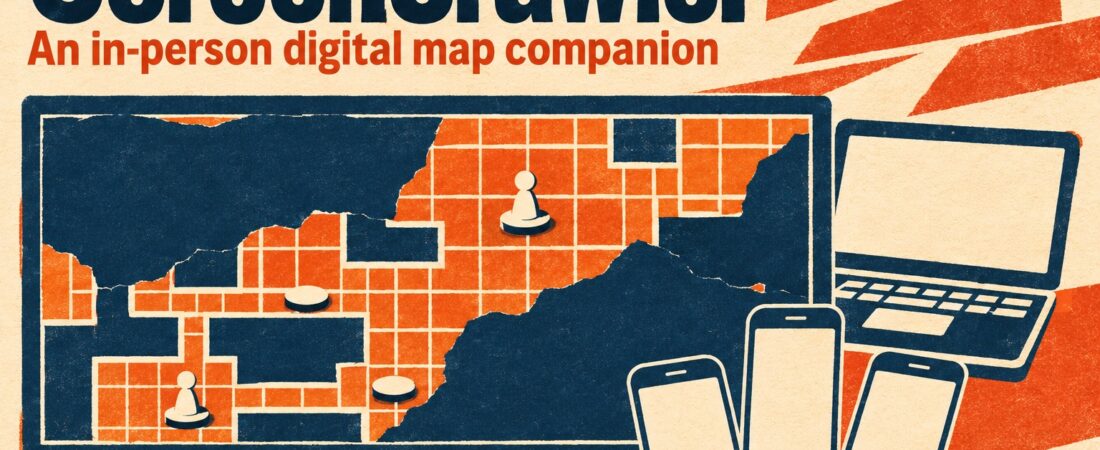
What if your battlemap became the centre of the table without sending your friends home to play online? ScreenCrawler is an upcoming tabletop companion designed around a simple idea: a TV laid flat for the party, a private game master view on a Windows computer, and character sheets on players’ phones.
A digital map without leaving the table
ScreenCrawler is aimed at groups who enjoy gathering around a physical table but want their maps to do more. Connect a TV to the GM’s computer over HDMI, lay it flat if practical, and it becomes a shared surface for exploration and encounters.
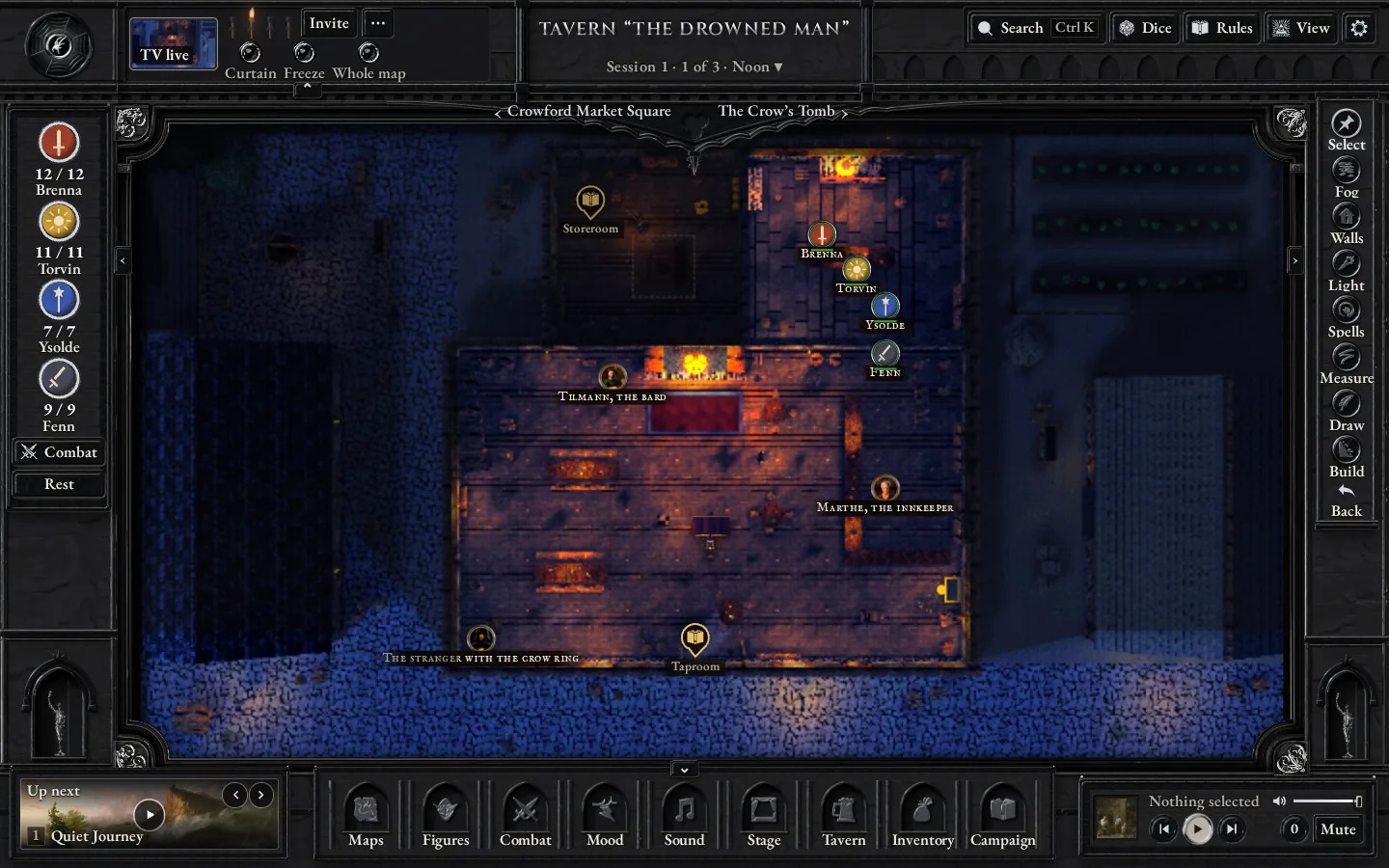
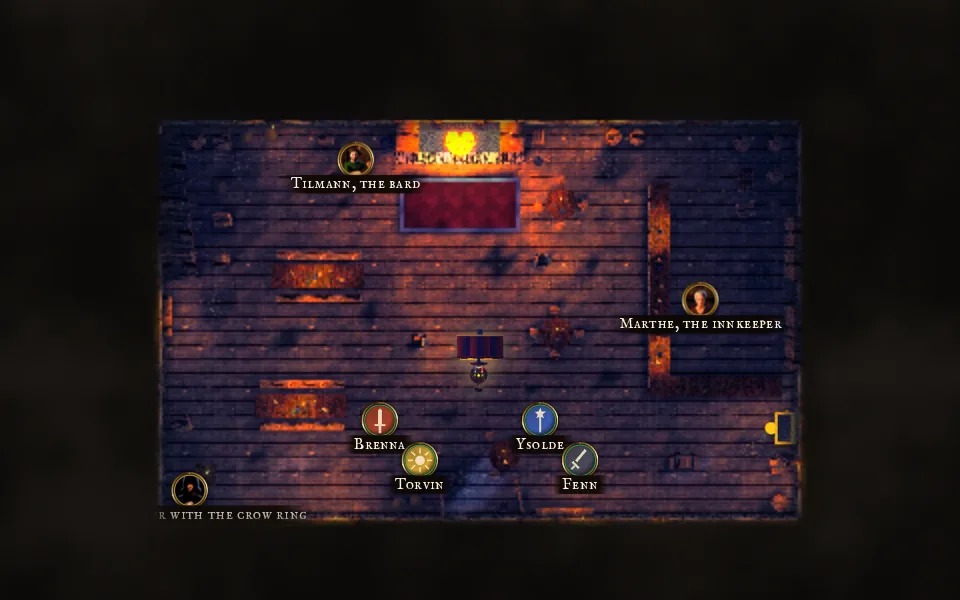
The GM sees the complete map on the computer. On the TV, fog of war reveals what the heroes can see, with walls and closed doors blocking line of sight. That split promises the pleasure of discovering a location together while keeping the secrets behind the screen.
Bring your miniatures along
This is not necessarily a choice between digital maps and physical figures. The site describes a calibration process using a bank card: adjust the on-screen frame until it matches the card, then check the grid with a test square. The goal is a one-inch square for tabletop miniatures.
ScreenCrawler also describes ready-made locations and the option to import your own maps and align their grid. For GMs with a growing library of battlemaps, that could make it an interesting way to bring existing scenes to the table.
Players have a companion in their pocket
Players open a link on a phone connected to the same Wi-Fi network. According to the project, they can check their character sheet, roll dice and manage their inventory without installing a separate player app or creating an account.
The feature list also mentions importing a PDF export from D&D Beyond and uploading it again after a level-up. The GM can use a phone as a remote for controls including music and read-aloud text.
Give exploration and combat a little theatre
Lighting and weather can change the mood of a location: the site shows rain, snow, thunderstorms and fog, alongside different times of day. Spells have visible areas of effect; the project says walls stop those areas, helping show who is caught in a blast.
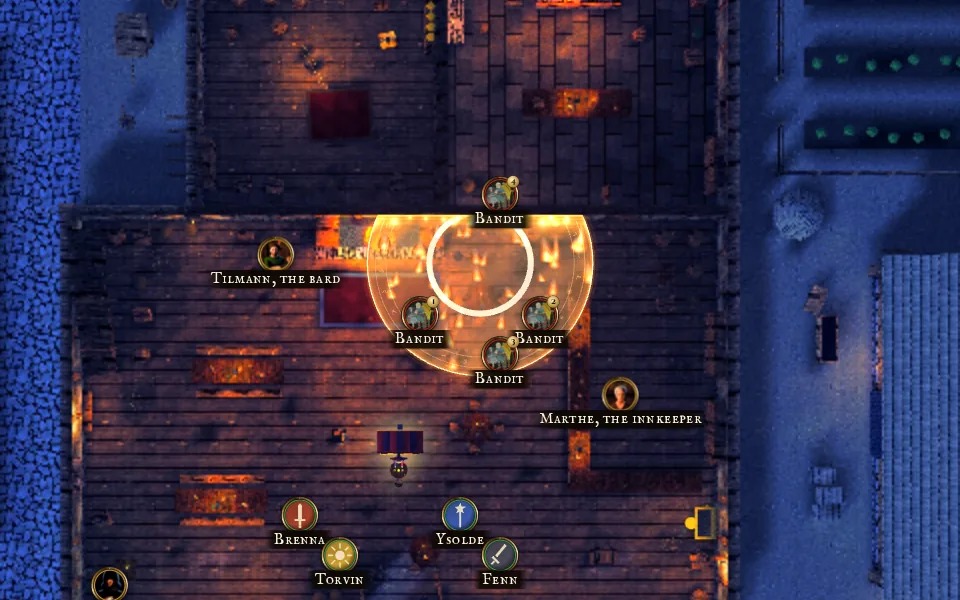
There is more than combat on offer. The site describes visible loot reveals, merchants where players choose items on their phones, tavern games, scene transitions and full-screen moments for events such as a level-up. An opening sequence can turn a short written recap into a scene on the TV.
Sound, controls and session management
ScreenCrawler lists 72 music tracks, 44 ambient loops and 362 sound effects. A map can have its own soundscape, controlled from the computer or the GM’s phone. The project also describes initiative, hit points, conditions, creature libraries, measuring tools and campaign backups.
For quick access, the GM can use side drawers, a right-click action wheel or search for an action with Ctrl+K. These are the developer’s described features; we have not conducted a hands-on review.
What you need, and how to try it
- Computer: Windows 10 or 11, 64-bit. The site says a Mac version will follow later.
- Display: a TV connected to the computer by HDMI, ideally placed flat at the table.
- Phones: browsers on the same local Wi-Fi network.
- Internet: needed for downloading; the project says game night itself works without internet.
The free browser demo presents Crowford, a small adventure with a tavern, crypt and market square. It lets you explore the GM, table and phone views on a laptop or PC. The site recommends Chrome on Windows and says no account is needed for the demo.
Why it is worth a look
ScreenCrawler’s appeal is its combination of shared digital atmosphere and face-to-face play. If your group loves physical miniatures, secret rooms and the ritual of gathering around a table, its browser demo is a low-commitment way to explore the idea before deciding whether the eventual release fits your setup.
Source and image credits
Project information and screenshots: ScreenCrawler official website. Screenshots belong to their respective rights holders. GMCraft Tavern is independent of ScreenCrawler. This project spotlight is based on the official site, not a hands-on review.