FREE PAPER MINI MAKER
The ultimate DIY Tabletop Miniatures tool.
Works much better with vertical (portrait) images.
✨ Need a cool image for your printable mini?Come craft yours for free here ✨
Output: A printable PDF sheet. Layout adjusts automatically.
Please upload an image to start.
Please upload an image to start.
PREVIEW: PAPER MINI SHEET
🔥 DISCOVER THE TAVERN’S BUNDLE 🔥
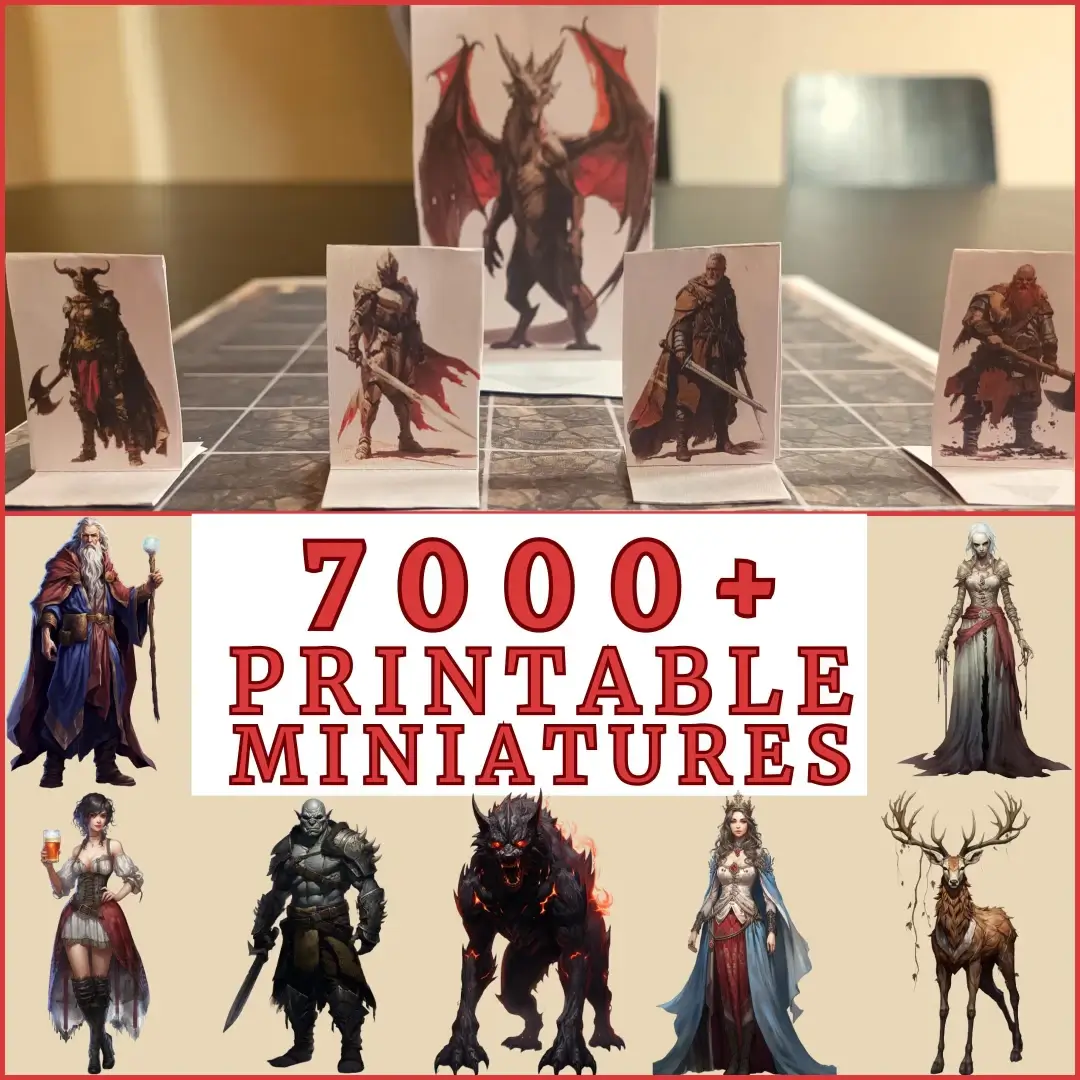
Over 7000+ Printable Minis in One Bundle!
👉 GET THE 7000+ MINIS BUNDLE HERE 👈
About The GM’s Forge Mini Maker
Welcome to The GM’s Forge, your ultimate free Paper Mini Maker and RPG token generator for printing. Designed for Dungeon Masters and players alike, this tool allows you to easily convert images to paper minis for your tabletop adventures.
Create Custom Tabletop Tokens
Whether you need a Pathfinder pawn maker for your next campaign or a DnD foldable minis generator for a quick one-shot, our tool handles it all. Simply upload your character art, adjust the crop, and download a ready-to-print PDF.
Features:
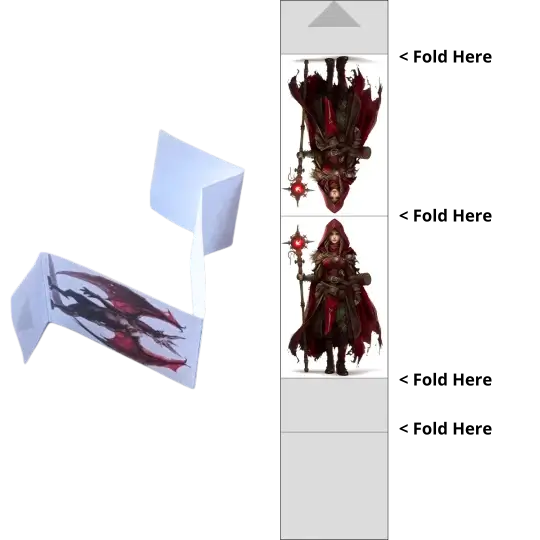
- Foldable Minis: Create classic standing paper miniatures (mirrored back included).
- Circular Token Sheet Creator: Generate flat tokens compatible with standard 1-inch grids.
- Tabletop Token Creator PDF: All outputs are formatted for US Letter or A4 paper, ensuring perfect sizing for your grid.
Start crafting your DIY tabletop miniatures today and bring your game to life without breaking the bank!
This tool is an unofficial fan-made utility aimed at helping Dungeon Masters and players.
It is not affiliated with, endorsed, sponsored, or specifically approved by Wizards of the Coast or any other major RPG publisher.
The Forge Manual (FAQ)
How do I print to ensure the correct size?
To ensure your minis are exactly 1 inch (or the chosen scale), follow these steps when printing the PDF:
- Open the PDF in Adobe Acrobat or your browser.
- In the print settings, look for “Scale” or “Page Sizing”.
- Select “Actual Size” or set Scale to 100%.
- Do NOT select “Fit to Page” or “Shrink to Fit”, as this will make your tokens slightly smaller than the grid.
What kind of paper should I use?
For the best durability:
- Cardstock (160-200 gsm): This is the best balance. It’s thick enough to stand up on its own but still easy to cut and fold.
- Standard Paper: Works fine, but your “Foldable Minis” might be a bit flimsy. You can glue them onto a thicker piece of cardboard or use a washer as a base weight.
- Photo Paper: Makes the colors pop beautifully, but ensure it’s not too glossy or the ink might smear when folding.
Can I use this for commercial products?
This tool is designed for personal use for your home games. The assets you generate depend on the copyright of the images you upload.
However, the GM Craft Tavern assets provided elsewhere are subject to their own license. Please check our Etsy shop for commercial license options regarding our specific designs.
My image is sideways or stretched!
The Forge tries to auto-fit your image best as it can.
- For Foldable Minis: Use a portrait (vertical) image for best results.
- For Circular Tokens: You can use the built-in editor (step 3) to zoom and drag your image to center the face perfectly inside the circle.
Where can I find cool character art?
If you don’t have art yet, you can create your own custom characters for free using our generator!
More inspiration from the Tavern
Two quick picks from the GM Craft Tavern blog. Browse all posts.
Loading posts…
Level Up Your Session — Essential DM Tools
Enhance your prep and gameplay with our suite of free tools designed for Dungeon Masters and players.
Characters & Tokens
- DnD Character Art Generator: Create AI portraits for heroes and NPCs.
- Top-Down Token Maker: VTT-ready tokens for enemies and characters.
- Animated Token Maker: Create custom animated token stamps.
- Circular Token Maker: Easy circular tokens for any VTT.
- Token Border Generator: Transparent, customizable designs.
- Paper Mini Maker: Print-ready miniatures for physical tabletop.
World & Resources
- Fantasy Map Generator: Text-to-map AI for quick battlemaps.
- The Treasure Room: 400,000+ assets for DnD campaigns.
- Fantasy Name Generator: Instant names for characters and towns.
- 3000+ Free Maps: High-quality, VTT-ready fantasy maps.
Tech Utilities
- Online Map Gridder: Add custom grids to your battlemaps.
- Image Converter: Convert and resize assets for VTT performance.