RPG-Bot — The Craft Tavern
Quick help for image generation channels, ratios, and prompt tips.
Image Generation Channels
There are several image-creation channels. You can create by style or by image type.
Style-Based
For example:
- Black & White → monochrome artworks
- Watercolor → painterly, textured strokes
- Pixel Art → retro, low-res sprites
…etc.
Type-Based
For example:
- Top-Down Tokens → top-down, pre-cut tokens
- Battlemaps → tactical maps for VTTs
- Circular Tokens → round character/monster tokens
…etc.
How to Generate an Image
Two simple ways to start your prompt. Begin your message with one of the following (as a single word), then add what you want to create:
Drawme— the bot follows your text exactly.Promptme— the bot enriches your request (it can add style or slightly change your initial vision).
Aspect Ratios & Resolution
Default output is 1024×1024 (square). To change ratio, include one of these tokens anywhere in your prompt.
You can write ratios with a dot or a colon, e.g. 16.9 or 16:9.
Square
1.1 (Default)
Horizontal
3.2 · 16.9 (or 16:9) · 4.3
Vertical
2.3 · 3.4 · 9.16
Available ratios include 1:1, 3:2, 16:9, 4:3 and their inverse formats 2:3, 9:16, 3:4.
You can also request a custom resolution by writing it in parentheses, e.g. (1650x1080) or (1920x1650).
Step-by-Step Examples
-
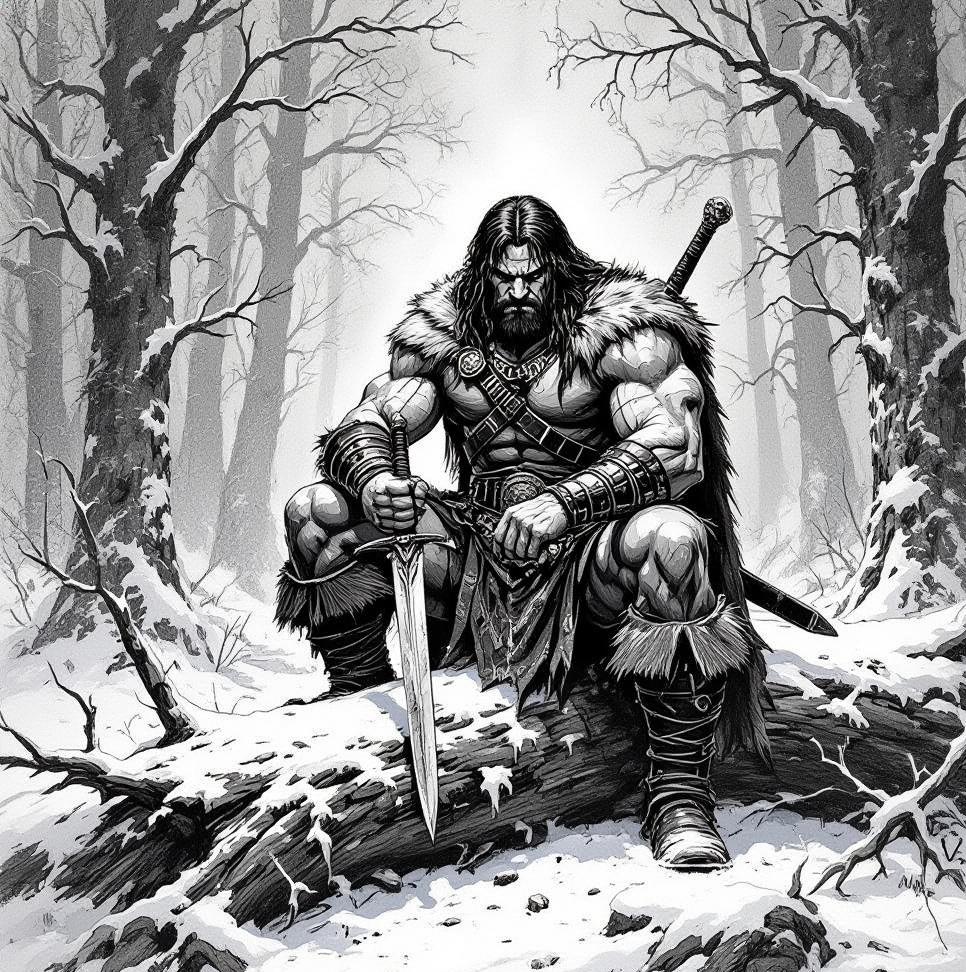
Simple prompt (no ratio, no resolution):
Promptmea barbarian warrior, sitting on a fallen tree,holding a dagger, in a snowy forest
Default square output (simple prompt) -
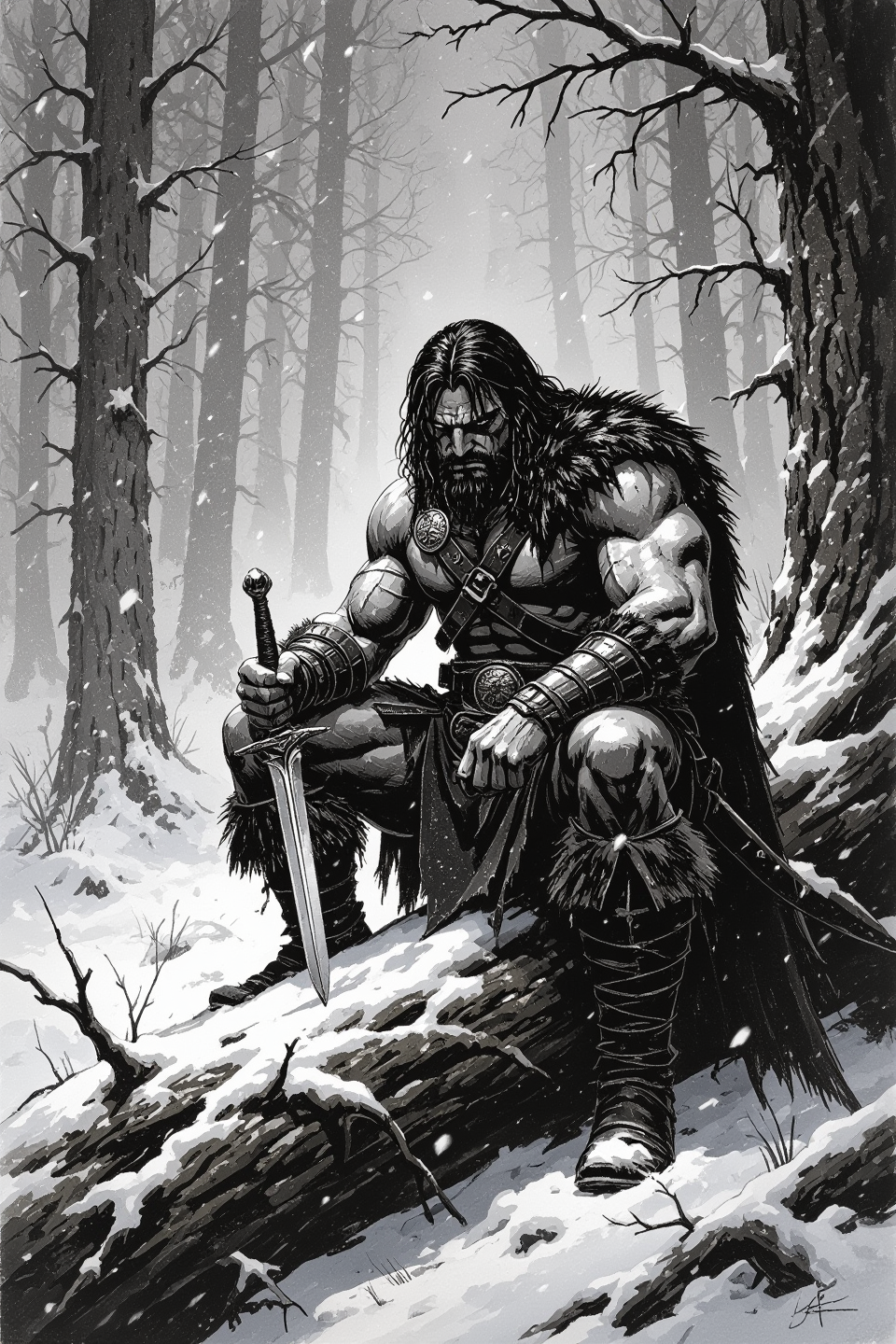
With aspect ratio: (dot or colon both work — e.g.,
2.3or2:3)
Promptmea barbarian warrior, sitting on a fallen tree,holding a dagger, in a snowy forest2.3
Vertical ratio 2.3/2:3 -
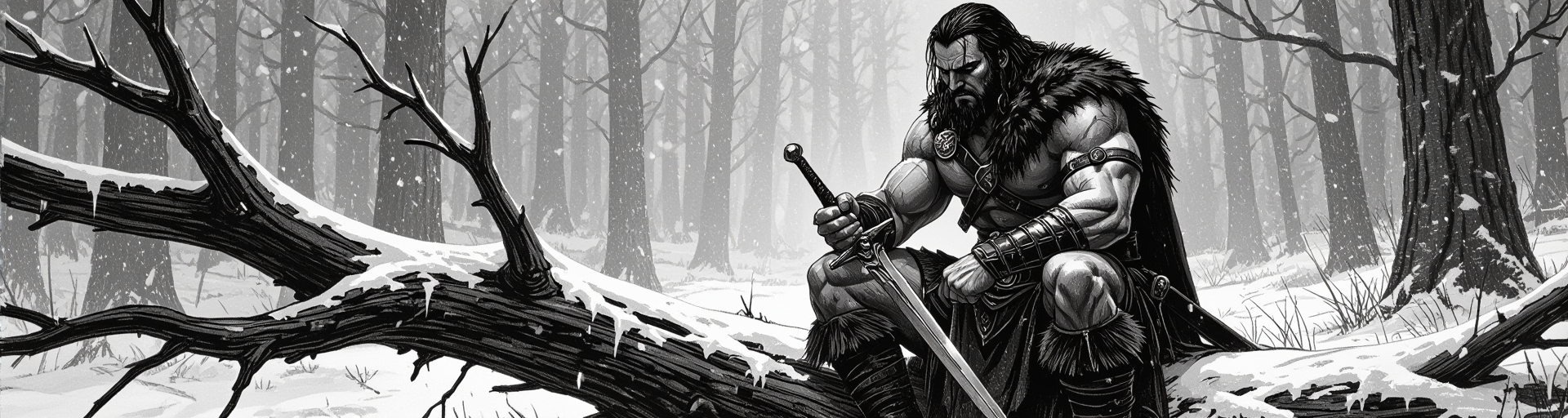
With custom resolution (no ratio):
Promptmea barbarian warrior, sitting on a fallen tree,holding a dagger, in a snowy forest(1920x512)
Custom resolution (1920x512)
Feedback Emojis & One-Click Rerun
The emoji bar lets you quickly react to a result and help Fox improve it:
- The first four emojis (😡 → 😐 → 🥰 → 🌟) rate your satisfaction with the output and send feedback to Fox.
- The blue circular arrows 🔁 let you rerun the last prompt with a single click.
Tips & Best Practices
- Short sentences work best. If you’re stuck on a detail the AI can’t draw, reduce your sentence to the minimum and use
Drawme. - Put the most important elements first. The bot pays more attention to the beginning of your prompt.
- Unknown fantasy races? Briefly describe the race, then use
Promptmeso the bot enriches details. - Same words = same results. To change the output, change your wording.
- Weighted words. Emphasize terms with parentheses, e.g.
(cloak:1.5). - Zoom in for detail. If details look weak, try a portrait instead of full-body.
- Multiple subjects are hard. This AI works best with a single character or a single scene focus.
- Avoid “no X” phrasing. The bot tends to draw what it reads—even in a negation. Instead of “no clouds”, ask for a “clear blue sky.”
Video Generation
Coming soon. This tab will explain ratios, duration, looping, and formats (WebM/GIF).
Image Editing
Coming soon. This tab will cover background removal, style swap, upscaling, and more.
Other
Coming soon. FAQs and advanced options.
Rules Reminder
- If you modify or submit your own images to RPG-Bot, do so only if you are the rights holder.
- Never request creations about public figures or copyrighted IP.
- No sexual themes. Artful nudity is permitted and defined as “exploring the human form without the intention to arouse.”
- No requests attempting to depict nude children or child-like characters (including halflings, fairies, etc.).
Level up your session — handy tools
- Download more maps: Get 3000+ free dnd maps (VTT-ready) — Free Fantasy Maps.
- Want tokens on your maps? Create, position, and export tokens with the Token Maker.
- Need a precise VTT grid? Add, align, and export a grid using the Map Gridder.
- Wrong image format or size? Convert PNG/WebP/JPG in seconds with the Image Converter.
- Looking for NPC, town, or dungeon names? Generate thousands instantly with the Fantasy Name Generator.