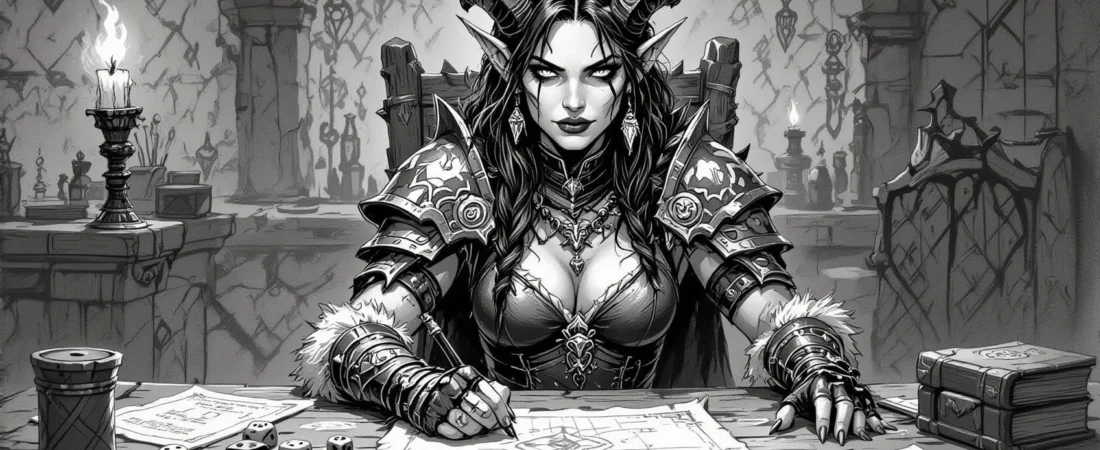
Dungeons & Dragons (D&D) is an exciting world of imagination, adventure, and storytelling. Many new players think they need a group of friends to start playing, but that’s not the case! This article will guide you through starting D&D without friends, whether you want to play solo or join an online game.
You’ll learn essential tips on how to find players, manage games, and even create your character from scratch. So, grab your dice, and let’s embark on this adventure!
What you’ll learn in this article
- 🎲 How to start D&D alone with essential materials and resources.
- ✅ A 4-step plan to play D&D tonight without friends.
- 🔎 Strategies to find D&D players online and join games.
- 🧙♂️ Tips for creating a character and adapting solo rules.
- 🎲 How to effectively use virtual tabletops (VTT) like Roll20 and Foundry.
- ✅ Techniques for hosting your first game and managing online sessions.
- 🔎 Suggestions for building a player network from scratch.
- 🧙♂️ Exploring alternative play formats like AI DMs and play-by-post.
- 🎲 Exercises to improve your D&D skills without a campaign group.
1. Why you can start D&D without friends
Common Myths
Many people believe that you need a group of friends to start playing Dungeons & Dragons (D&D), but that’s simply not true. There are various ways to engage with the game solo or online, debunking the myth that you must have a ready-made group. Solo modules and online tables exist specifically to help you dive into the world of D&D without needing a social circle. Additionally, you don’t have to know the rules perfectly before you play. Many resources, like D&D Beyond, provide simplified rules and beginner builds, allowing you to learn as you go.
Another common misconception is that solo play isn’t “real” D&D. In fact, solo formats utilize the core mechanics of D&D just as much as group play does. You’ll be engaging in roleplay, combat, and character progression, which are all essential elements of the game. Plus, with safety tools and community moderation in place, online groups can be a safe and welcoming environment for newcomers. So, if you’ve been hesitant to start because you lack friends to play with, I encourage you to take the leap and explore solo or online gaming!
Benefits of Starting Solo or Online
Starting D&D solo or online comes with a range of benefits that can enhance your gaming experience. For one, solo play allows you to develop your storytelling and decision-making skills at your own pace, without the pressure of coordinating schedules with others. This means you can experiment with different characters and scenarios without any time constraints. You can run multiple one-shots (short, self-contained adventures) in a month, providing faster feedback loops and more opportunities to learn the game mechanics.
Online play has its advantages, too. You’re exposed to a variety of Dungeon Masters (DMs) and play styles, which can enrich your understanding of the game. It also serves as a safer testing ground for social skills, allowing you to practice table etiquette and voice safety lines before joining recurring groups. By starting solo or online, you’re setting yourself up for a smoother transition into larger groups later on.
2. A Simple Tonight Plan: 4 Steps to Play D&D Tonight Without Friends
Materials Checklist
If you want to dive into D&D tonight, here’s a simple plan to get you started quickly. First, create a free account on D&D Beyond, where you can access the Basic Rules and a character builder. Next, find a dice roller app or website, which will allow you to roll dice digitally. For your adventure, pick a short solo module or an oracle (a decision-making tool to guide your story). You can even download resources like the Solo Adventurer’s Toolbox or a One Page Dungeon PDF to kickstart your adventure.
You’ll also need a character sheet and a notebook for taking notes. I recommend creating a simple level-1 character, such as a Fighter or Cleric, to keep things straightforward. This minimal kit will enable you to run a quick session tonight. If you wish to enhance your experience, consider having a virtual tabletop (VTT) like Roll20 or even physical miniatures or maps, but these are optional.
Expected Time
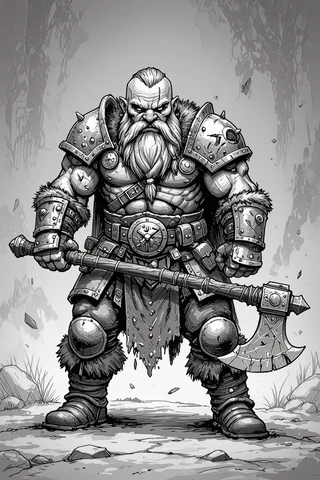
When planning your D&D session, it’s essential to have realistic time expectations. For a solo scene, aim for about 30 to 60 minutes. This timeframe allows you to get a taste of the game without feeling overwhelmed. If you’re planning to run a full one-shot session, expect it to take between 2 to 4 hours.
To keep your solo play manageable, consider using timers. For instance, set a 15 to 20-minute timer for scenes to help maintain momentum. When in combat, limit encounters to 3 to 4 rounds to avoid grinding through lengthy battles. As you become more comfortable, you can gradually increase the length of your sessions, whether you want to run multiple micro-sessions or longer one-shots.
3. How to Find Games and Players Online
Platforms Compared
Finding a D&D game online is easier than ever thanks to several platforms available to you. Roll20 is a popular browser-based virtual tabletop (VTT) that allows you to play with others and find games through its Looking For Group (LFG) feature. StartPlaying is another great option, acting as a marketplace for finding paid and hobby DMs. Both platforms have their unique advantages, so it’s worth exploring which fits your needs best.
When looking for games, consider using community platforms like Discord, Reddit (specifically r/lfg and r/dndnext), or even Meetup. Each platform offers different levels of accessibility and community culture, so pay attention to the presence of moderators and safety tools like codes of conduct. For example, look for listings that are tagged as “beginner friendly” or those that mention session zero (an introductory meeting to set expectations) to ensure a welcoming environment.
Step-by-Step to Join a Game on StartPlaying and Roll20
Joining a game on StartPlaying or Roll20 is quite straightforward. Here’s a step-by-step guide to get you started:
For StartPlaying:
- Create a profile that highlights your experience level, availability, and playstyle. Browse the available games and book a seat with a DM that fits your interests.
- Message the DM: Send a concise application message introducing yourself and asking any questions you may have about the game.
- Confirm Payment: Make sure to read the DM’s listing regarding payment and refund policies, if applicable.
- Attend Session Zero: If the DM offers a session zero, make sure to attend it. This is your chance to discuss character creation and game expectations.
For Roll20:
- Create an account: Sign up for free and set up your profile.
- Join a game: Use the LFG feature to search for games using appropriate filters like system (5e), length (2-4 hours), and tags (newbie-friendly).
- Message the DM: Reach out to the DM with a tailored message about your interest in their game.
- Join a tutorial game: If you’re new to Roll20, consider joining a tutorial session to familiarize yourself with the interface before your first game.
When messaging a DM, you might say, “Hi! I’m new to D&D but excited to learn. I’m available on weekends and would love to join your game. Do you have room for one more player?”
4. Messaging and Outreach: Exact Templates and Scripts
Cold-Message a DM
When reaching out to a DM for the first time, it’s important to keep your message concise and respectful. Here’s a simple template you can use:
Hi [DM's Name],

My name is [Your Name], and I’m new to D&D. I’m looking to join a game and would love to know if you have any spots available. I’m comfortable using [list any tools you’re familiar with, e.g., Roll20, Discord].

I’m generally available [insert your availability], and I’m excited to learn and contribute to the table!

Thank you for your time!

Best,
[Your Name]
Feel free to add a personal touch to your message, such as mentioning what drew you to their game or sharing a bit about your interests. This can help increase your chances of getting a response.
Join-an-Open-Table Message
When you find an open table that interests you, use this template to express your interest:
Hi [DM's Name],

I’m [Your Name], and I’m interested in joining your D&D game. I’m available on [insert days/times] and would like to play as a [insert class idea, e.g., Fighter, Rogue].

I’m comfortable using [list any tools, e.g., Roll20, Discord] and am eager to learn and contribute to the game.

Are you accepting new players?

Thanks!
[Your Name]
This message is direct and to the point, making it easy for the DM to understand your interest and availability.
5. Hosting Your First Game Alone: Solo Play and Small-Group Techniques
One-Shot Agenda Example
When you’re hosting your first game alone, especially if you’re playing solo or with just one friend, a structured agenda can help keep things flowing smoothly. A one-shot is a self-contained adventure that can typically be completed in one session, making it perfect for beginners. Here’s a simple agenda you can follow:
- Opening (15–20 minutes): Introduce the setting and characters. Set the stage for the adventure, giving players a sense of urgency or mystery.
- Exploration (30–45 minutes): Allow players to discover the world around them. Present clues or challenges that will lead them deeper into the story.
- Midpoint Complication (45–60 minutes): Introduce a twist or challenge that complicates the players’ objectives. This keeps the game engaging and tests their problem-solving skills.
- Climactic Encounter (45–60 minutes): Build up to a significant battle or challenge. This could be against a major villain or a critical obstacle that must be overcome.
- Wrap-Up (15–20 minutes): Conclude the adventure, allowing players to reflect on their choices and outcomes. This is also a great time to discuss what worked well and what could be improved for future sessions.
Use a visible timer to keep track of each segment. This helps maintain pace and ensures that you cover all the important parts of your one-shot without getting stuck in one area for too long.
Adapting Modules for Solo or Duo Play
If you’re using a published module (an adventure written by someone else), adapting it for solo or duo play can be a rewarding challenge. The key is to modify the content to suit fewer players while still keeping the story engaging. Here are some steps to adapt a module effectively:
- Reduce Enemy Numbers/Challenge Rating (CR): If the original module is designed for a full party, cut the number of enemies in half or lower their CR by 1-2 levels. This makes encounters manageable for fewer players.
- Add Sidekicks: Introduce an NPC (non-player character) sidekick to help the players. You might create a healer, scout, or warrior to support them during combat and exploration.
- Simplify Initiative and Healing Resources: Streamline the initiative system by allowing players to act together in certain situations. Also, give players more healing resources or allow them to heal more frequently.
- Utilize Oracle Decisions: If you’re playing solo, use an oracle or GM emulator to make decisions about the story and NPC actions. This keeps the game dynamic and allows for unexpected twists.
If you’re adapting a module where players typically face a group of goblins, consider reducing the number to just two goblins and adding a sidekick character who can help with combat or provide support.
6. Character Creation Made Fast: 3 Beginner Builds and a 4-Step Setup
Pre-Generated vs Custom
When starting your D&D adventure, choosing between pre-generated characters and custom builds can be a pivotal decision. Pre-generated characters come with established abilities and backgrounds, allowing you to jump straight into the game without the stress of character creation. If you’re eager to play tonight, I recommend using pre-generated characters from resources like D&D Beyond or One Page Dungeon.
On the other hand, custom character creation gives you more control and can be a fun part of the experience. If you opt for this, follow a simple 4-step setup:
- Select a Class: Choose a beginner-friendly class like Fighter, Cleric, or Rogue. These classes are straightforward and effective for new players.
- Use the Standard Array: Allocate your ability scores using the standard array (15, 14, 13, 12, 10, 8) to ensure balanced stats.
- Pick a Background: Choose a background that complements your class and adds flavor to your character.
- Define Your Personality: Craft a brief backstory and personality traits. This will help you roleplay your character better during the game.
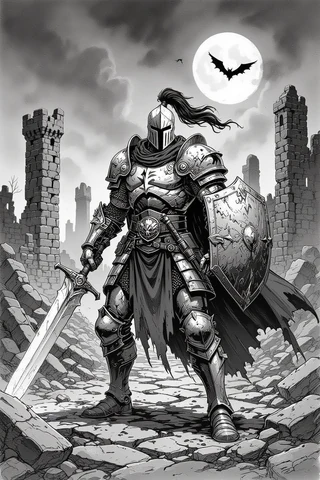
If you’re unsure about character creation, stick with pre-generated options for your first session. This will reduce decision fatigue and allow you to focus on learning the game mechanics.
Quick Rules for Multi-Classing Avoidance
Multiclassing can be an exciting aspect of D&D, but as a beginner, it’s often best to avoid it until you’re more familiar with the game. Here are three quick rules to keep in mind:
- Wait Until You Understand Your Main Class: It’s advisable to play your initial class for at least 3–6 sessions before considering multiclassing.
- Avoid Unclear Roleplay Synergy: If you’re unsure how two classes will work together, it’s better to stick with one.
- Use Single-Class Templates: Stick to templates for your initial character that provide a predictable power curve.
If you start as a Fighter, focus on mastering combat rules and strategies before considering a second class like Rogue. This will give you a solid foundation to build upon later.
7. Technical Setup and VTTs
Roll20 Setup Steps
Roll20 is a popular virtual tabletop (VTT) platform that allows you to play D&D online. Setting it up can seem daunting, but with a few straightforward steps, you can be ready to roll in no time:
- Create an Account: Head to Roll20’s website and sign up for a free account.
- Join a Game: You can either join a game through an invite link or browse the “Looking for Group” (LFG) section.
- Set Up Audio/Video Permissions: Enable your microphone and camera access to communicate with other players.
- Join a Tutorial Game: Roll20 offers built-in tutorials that guide you through the interface and features.
- Import Your Character: If you’re using D&D Beyond, you can integrate your character sheet directly into Roll20.
- Test Dice and Macros: Before your session begins, roll some dice to ensure everything works smoothly.
Always perform a microphone check and a roll test before your first session to avoid technical hiccups when the game starts.
Foundry Setup Steps
Foundry is another powerful VTT that provides extensive customization options and automation features. Although it requires a one-time purchase, many players find it worthwhile for ongoing campaigns. Here’s how to set it up:
- Purchase Foundry: Buy the software from the Foundry website.
- Choose Your Hosting Method: Decide whether you want to host it locally on your computer or use a cloud service like The Forge.
- Install the D&D 5e System: Once you have Foundry set up, install the D&D 5e system to access all the relevant rules and features.
- Add Essential Modules: Install useful modules for quick access to spells and items.
- Import Character Sheets: You can either create character sheets directly in Foundry or enable the D&D Beyond exporter.
- Test Performance and Permissions: Before inviting players, ensure everything is working smoothly.
Foundry can be resource-intensive. Make sure your computer has sufficient RAM and CPU power, especially if you’re using dynamic lighting or running multiple modules.
Audio and Connection Tips
For a smooth online D&D experience, having a reliable audio setup and connection is crucial. Here are some tips to ensure your sessions go off without a hitch:
- Use a Headset Mic: A good-quality headset with a built-in microphone helps reduce background noise.
- Stable Internet Connection: Whenever possible, use a wired Ethernet connection instead of Wi-Fi.
- Test Calls Before the Session: Schedule a quick test call with your group to check audio and video settings.
- Adjust Discord Voice Settings: If you’re using Discord for voice chat, consider enabling push-to-talk.
- Have a Backup Plan: In case of technical difficulties, have a backup audio-only call link or phone hotspot available.
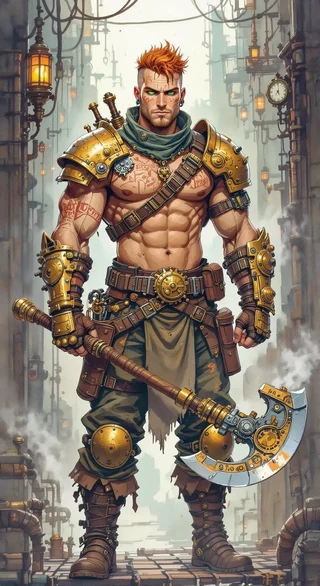
Always test your audio and connection a few days before your game. This will give you ample time to resolve any issues that may arise.
8. Tools, Automation, and Time-Savers
Macros and Automations — 3 Examples with Steps
Using macros (shortcuts for repetitive tasks) can significantly speed up gameplay and reduce the amount of time spent on calculations. Here are three examples of useful macros you can implement in Roll20 or Avrae on Discord:
- Attack Macro (Roll20): Define a token bar for your character and create a new macro by opening the macro tab. Paste the following roll string: `/roll 1d20 + @mod` (replace `@mod` with your attack modifier).
- Skill Check Macro (Avrae on Discord): Link Avrae to your D&D Beyond character. Use the command `!check Athletics DC` to roll for an Athletics check against a specified Difficulty Class (DC).
- Simple Initiative Tracker (Roll20 API/Foundry): Prepare a list of tokens for all players and enemies. Use the built-in tracker macro to roll initiative for all participants: `/roll 1d20 + @init` (replace `@init` with the initiative bonus).
Using an attack macro can save time and keep the game moving smoothly, allowing players to focus on strategy rather than calculations.
NPC & Encounter Generators
If you’re looking to save preparation time, encounter generators and NPC generators are invaluable tools. Here are some recommended generators that can help you streamline your game prep:
- Kobold Fight Club: This encounter builder allows you to create balanced encounters based on the party’s level and size.
- Donjon: This site offers random generators for everything from dungeons to NPCs.
- One Page Dungeon: This resource provides one-page adventures that are easy to run and can be quickly adapted to your campaign.
When using an encounter generator, always check the suggested enemy CR (Challenge Rating) and adjust as necessary for your player count.
9. Managing and Moderating Games
Creating a Code of Conduct
To create a safe and enjoyable environment for your D&D games, a code of conduct is essential. This document outlines the expectations for all players and helps to foster respect and inclusivity. Start by listing basic etiquette: be on time, mute when not speaking, and respect the table tone.
You can also include points about confidentiality, the use of safety tools, and attendance expectations. Here’s a simple code of conduct you can customize for your games:
- Respectful behavior towards all players.
- No harassment or discrimination of any kind.
- Confidentiality of personal information shared during the game.
- Use safety tools (like the X-Card) to ensure everyone feels comfortable.
- Clear attendance expectations—let the group know if you can’t make it.
- A procedure for reporting any issues that arise.
Make sure to share this code in your game’s communication channel and require players to acknowledge it before joining.
Screening Questions and Red Flags to Spot
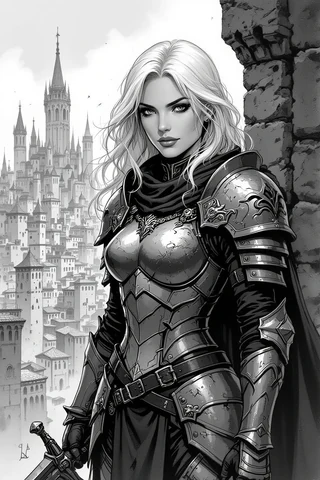
When you’re bringing new players into your game or joining one yourself, it’s crucial to have a set of screening questions to ensure that everyone is a good fit. Questions can include inquiries about a player’s previous experience, what safety tools they are familiar with, and how they handle disruptive behavior.
Here are six screening questions you might consider using:
- What previous experience do you have with D&D or tabletop RPGs?
- How do you feel about using safety tools like the X-Card?
- What are your thoughts on handling disruptive players?
- What attendance expectations do you have for a gaming group?
- Are you comfortable with the themes and content of the campaign?
- What’s your preferred communication style (voice chat, text, etc.)?
Be on the lookout for red flags, such as dismissive attitudes towards safety tools or pressure for personal information. These signs can indicate potential problems down the line.
10. Social Strategies: Building a Player Network from Scratch
Turning Strangers into Recurring Players
Building a group of regular players can feel daunting, especially when you’re starting from scratch. One effective way to cultivate a reliable player base is to run low-commitment one-shots. This allows players to test the waters without feeling obligated to join a lengthy campaign. After the session, follow up with participants to express gratitude and gauge their interest in future games.
Use a simple outreach strategy after your one-shots:
- Send a thank-you message to all players within 24 hours.
- Ask if they enjoyed the session and would be interested in playing again.
- Create a scheduling poll to find out their availability for future games.
Incentivizing participation can also help; consider rotating GM duties or spotlighting a “player of the month” to encourage engagement.
Running Low-Commitment One-Shots
To make it easy for newcomers to say “yes” to joining your game, running low-commitment one-shots is an excellent strategy. Make sure to clearly advertise the details of your one-shot: include the expected duration, whether pre-generated characters will be provided, and the safety tools you plan to use.
Here’s a quick outline for what to include in your one-shot advertisement:
- Time and Date: Specify when the game will take place.
- Length: Mention how long the session will last.
- Pre-generated Characters: Let players know if you’ll provide pre-gens.
- Safety Tools: Indicate which safety tools will be in use.
- Required Tools: List any platforms or tools needed.
By setting clear expectations and providing an easy entry point, you can attract players who might be hesitant about committing to a longer campaign.
11. Alternative Play Formats: Solo Rules, Journaling, AI & Play-by-Post
Playing with AI DMs
If you’re looking to play D&D without friends, using AI DMs or GM emulators can be an innovative approach. Tools like the Mythic GM Emulator allow you to simulate decisions and NPC reactions, making solo play more engaging. With AI, you can still experience the joy of storytelling and roleplay, even when you’re alone.
Here’s a simple workflow for integrating AI into your game:
- Choose an AI tool like Mythic or an RPG Solo app.
- Set up your game context (e.g., the world, main characters).
- Use the AI to make decisions during gameplay.
- Feed the AI’s responses back into your narrative.
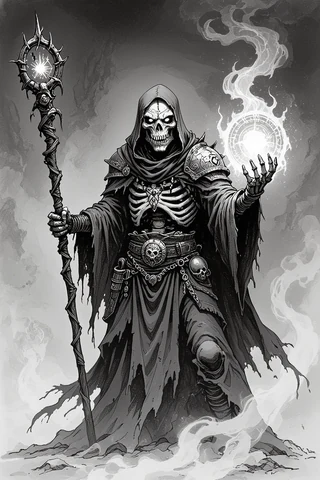
While using AI, remember to set guardrails to maintain the integrity of your game. Verify the AI outputs for accuracy and treat it as a narrative oracle rather than a strict rules interpreter.
Play-by-Post Tips and Cadence
Play-by-post (PbP) games are another great alternative for those looking to engage in D&D without a traditional group. This asynchronous format allows players to participate at their own pace, making it ideal for busy schedules. However, it’s essential to establish a clear posting cadence to maintain momentum.
Here’s a recommended posting cadence to keep your PbP game active:
- Aim for 1–3 posts per player every 48 hours.
- Use clear thread titles that indicate the scene number for easy reference.
- Assign a narrator for conflict situations to keep the story flowing smoothly.
When crafting posts, consider using a structured format: start with a brief narration followed by your character’s action or dialogue. This helps keep the narrative clear and engaging for all players.
12. Progression and Learning: How to Improve Quickly Without a Campaign Group
Practice Exercises
If you’re eager to improve your D&D skills but don’t have a regular group, consider setting up short practice sessions. These can focus on specific skills, such as combat mechanics, roleplay, or mastering game rules. By isolating skills, you can develop a deeper understanding of the game without the pressure of a full campaign.
Here are three specific exercises you can try:
- 20-Minute Combat Drills: Set up a simple combat scenario and run it with a few characters.
- 30-Minute Roleplay Improv: Create three NPCs and react to prompts that you give yourself.
- Rules Sprint: Choose one mechanic and dedicate a session to understanding it.
These focused sessions will help you build confidence and competence, paving the way for smoother gameplay when you eventually join a group.
Using Recorded Sessions and Feedback
Recording your solo sessions can be a valuable tool for improvement. By reviewing your gameplay, you can identify areas for growth, such as pacing, rules mistakes, or dialogue balance. This method allows you to turn every session into a learning opportunity.
Here’s a simple five-step review workflow:
- Record your session using tools like OBS.
- Watch the recording, noting any pacing issues.
- Log at least three actionable changes you can implement.
- Share clips or session logs in online communities to ask for targeted feedback.
- Implement one change in your next session and repeat the process.
By actively seeking feedback and reflecting on your gameplay, you’ll improve your skills and gain insights into areas you may not have noticed during play.
Fox’s take
In conclusion, starting D&D without friends is not just possible; it can be an incredibly rewarding experience! By following the steps I’ve shared, you’ll be well on your way to playing solo, finding online games, and even hosting your own sessions. Remember to take your time, explore different platforms, and connect with fellow players who share your passion. So gather your materials, set up your character, and let the adventures begin! Whether you’re rolling dice alone or joining a virtual table, the world of D&D awaits you!
FAQ
How can I join a D&D game online without experience?
Use platforms like Roll20 or StartPlaying to find beginner-friendly games and reach out to DMs expressing your interest.
Is solo D&D worth it if I don’t have players?
Yes, solo D&D allows you to explore storytelling and mechanics at your own pace, enhancing skills for future group play.
What tech do I need to play D&D remotely?
You’ll need a reliable internet connection, a computer, a VTT like Roll20, and a headset with a microphone for communication.
How do I screen groups to avoid bad experiences?
Ask about game style, safety tools, and player expectations, and look for groups with a clear code of conduct.
Where can I find short one-shots suitable for new players?
Check D&D Beyond, DriveThruRPG, and community forums for quick adventures ideal for beginners.
Sources
- dndsolo.com
- dungeonsanddragonsfan.com
- dungeonswithdragons.blog
- dungeonswithdragons.blog
- forum.rpg.net
- forums.ddo.com
- forums.ddo.com
- rpgsolo.com
- slyflourish.com
- slyflourish.com
- thedmlair.com
- campdragononline.com
- campdragononline.com
- dndbeyond.com
- dndbeyond.com
- enworld.org
- ironswornrpg.com
- onepagedungeon.com
- rpgkc.org
- rpgkc.org
- thegamer.com
- thegamer.com
- therpgsite.com
- wordmillgames.com
- youtube.com
- youtube.com